What to do about a blocked Business Manager and ad account

A blocked ad account or an entire Business Manager on Facebook? Where to request a review, how to track the status of your request, and how to prevent a block.
If you've been managing Facebook ads for a while now, you've probably already run into a blocked ad account, or an outright blocked Business Manager. I assume you're reading this only after trying to find and fix the cause of the block yourself - otherwise, first go through the advertising policies. If you're out of ideas, or you think the block happened unfairly, you can use the guides below to request a review.
A blocked ad account
If Facebook has blocked your ad account, go to this form. Just select the relevant account and give the reason you're requesting a review. If you don't see any account in the drop-down, you probably don't have sufficient permissions - in that case, in the first step, state that you're not the account owner and enter its ID.
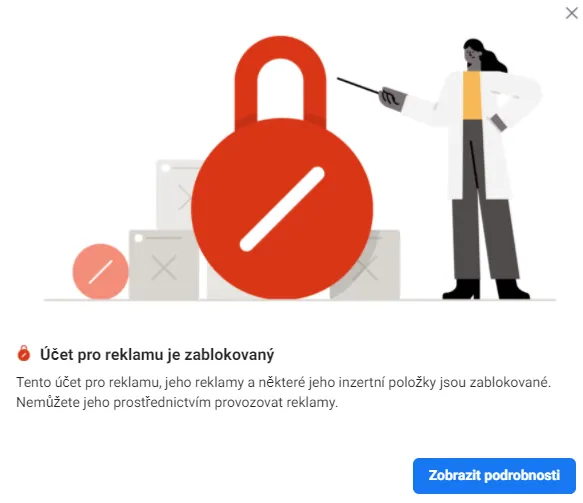
From experience I haven't observed that higher account permissions clearly speed up the handling of a request, but for any communication directly with support I do recommend submitting the request as the owner. Don't submit the form more than once - it could lead to a permanent block. Instead, reach out to support on chat (see below).
You can track the status of all the business accounts, pixels, pages, and catalogues in your Business Manager on the Account Quality page. In the left-hand menu, just select the Business Accounts tab and make sure you have the right Business Manager selected at the top.
A blocked Business Manager
If the entire Business Manager has been blocked, go to this link. In a simple form you select the relevant business, specify your role, and choose the reason you're requesting a review. You'll also use this form if your Business Manager has been compromised (for example through the personal Facebook profile of one of its admins). As with the ad account, don't submit the form more than once.
You can also reach the form from the Account Quality page - select the business accounts tab and, in the top right, click the button to request a review. The status of your request will then be shown at the top.
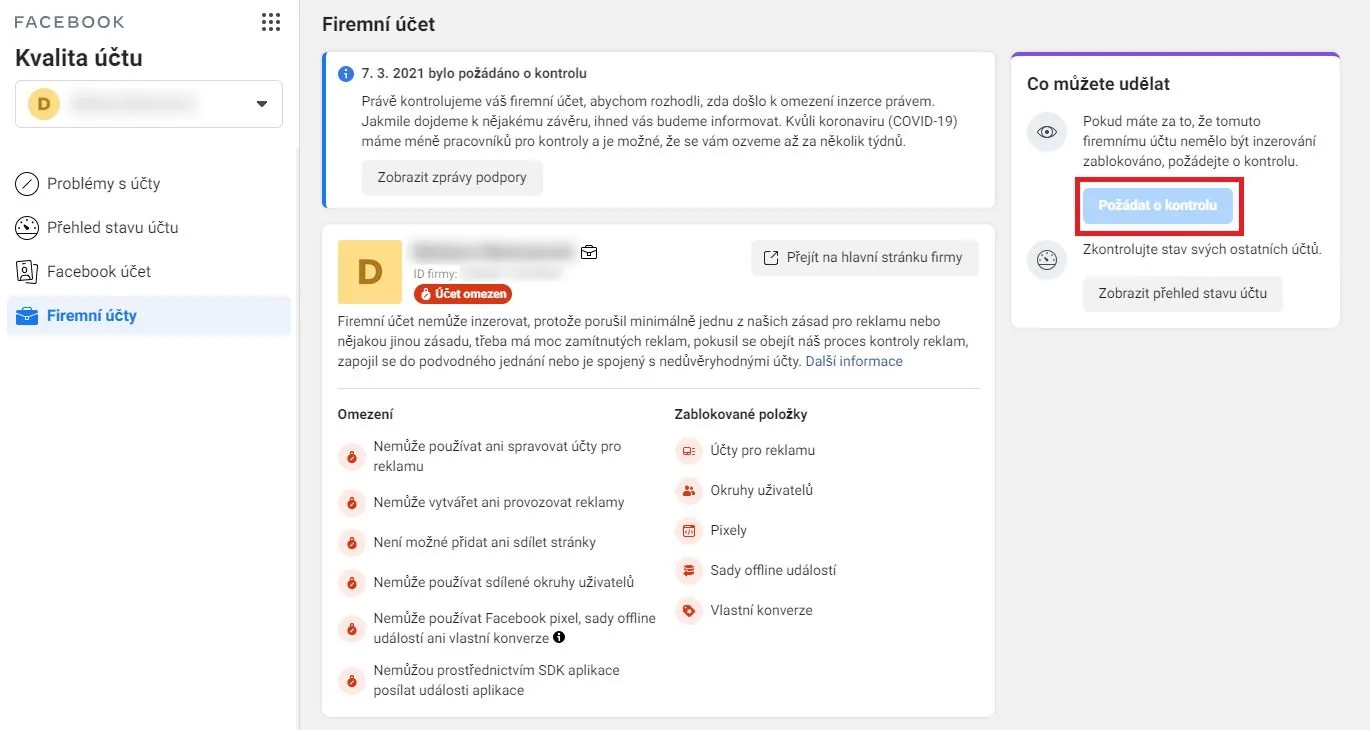
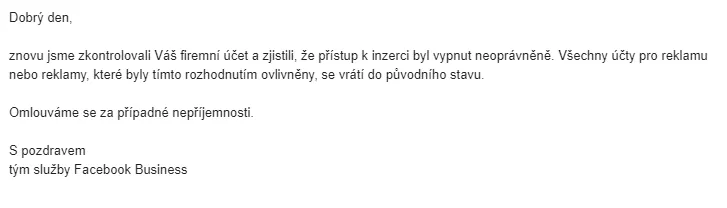
As with the ad account, I recommend filling in the request as an admin. And if it works out, you might get a reply like this one in your inbox:
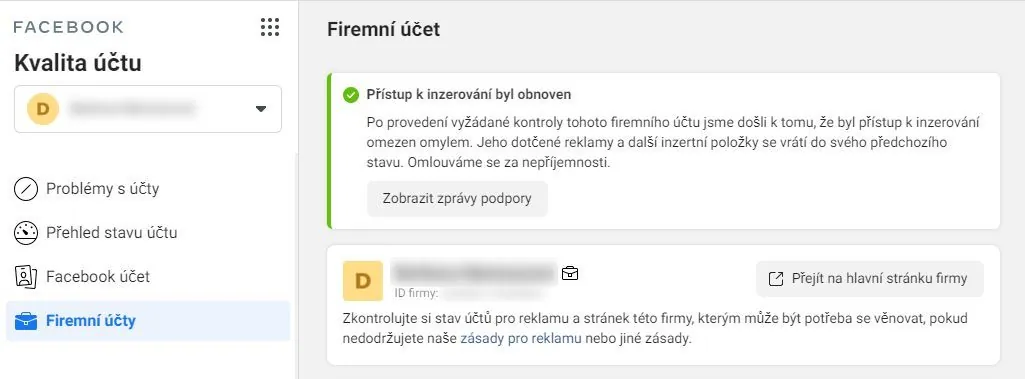
Alternatively, information about the Business Manager being reinstated will also appear on the Account Quality page.
Facebook support on chat
What should you do after submitting a request? Wait. I've seen cases where a request was granted within 2 hours, as well as accounts that could never be unblocked. If you're pressed for time, you can try contacting support directly via chat (the conversation is in English). Just select the item you want to discuss, give a reason, and enter your contact details.
In general, though, admins have mixed experiences with support, and it will often just point you back to the forms above. So you'll see how you fare.
How to prevent your ad account from being blocked
Don't do anything stupid. Translated: at least study the basic advertising rules before you get started. In general, don't cheat, link to functional and ideally reputable pages, don't be vulgar, don't use photos with a hint of eroticism, don't promote drugs - and definitely don't do any of these things repeatedly.
At the same time, secure your Business Manager: set up two-factor authentication, add one more admin (or, conversely, don't give admin rights to everyone), and verify your business.
Got a question or your own experience? Get in touch - I'm happy to chat.